Pixel & Oak POS docs
Backups and updates
The till backs itself up every day and keeps the last 14 days on the PC. Add an online copy and a USB copy in Settings → Backups, so a broken PC never costs you your orders and customers.
Backups
- On this computer: one copy a day, the last 14 days kept. Back up now makes one straight away.
- Online: once the website connection is set up, copies go online every day (best), every week or every month.
- Second copy outside this PC: a folder you choose, such as a cloud-synced folder.
- Extra copy on a USB stick: Save a copy to USB…
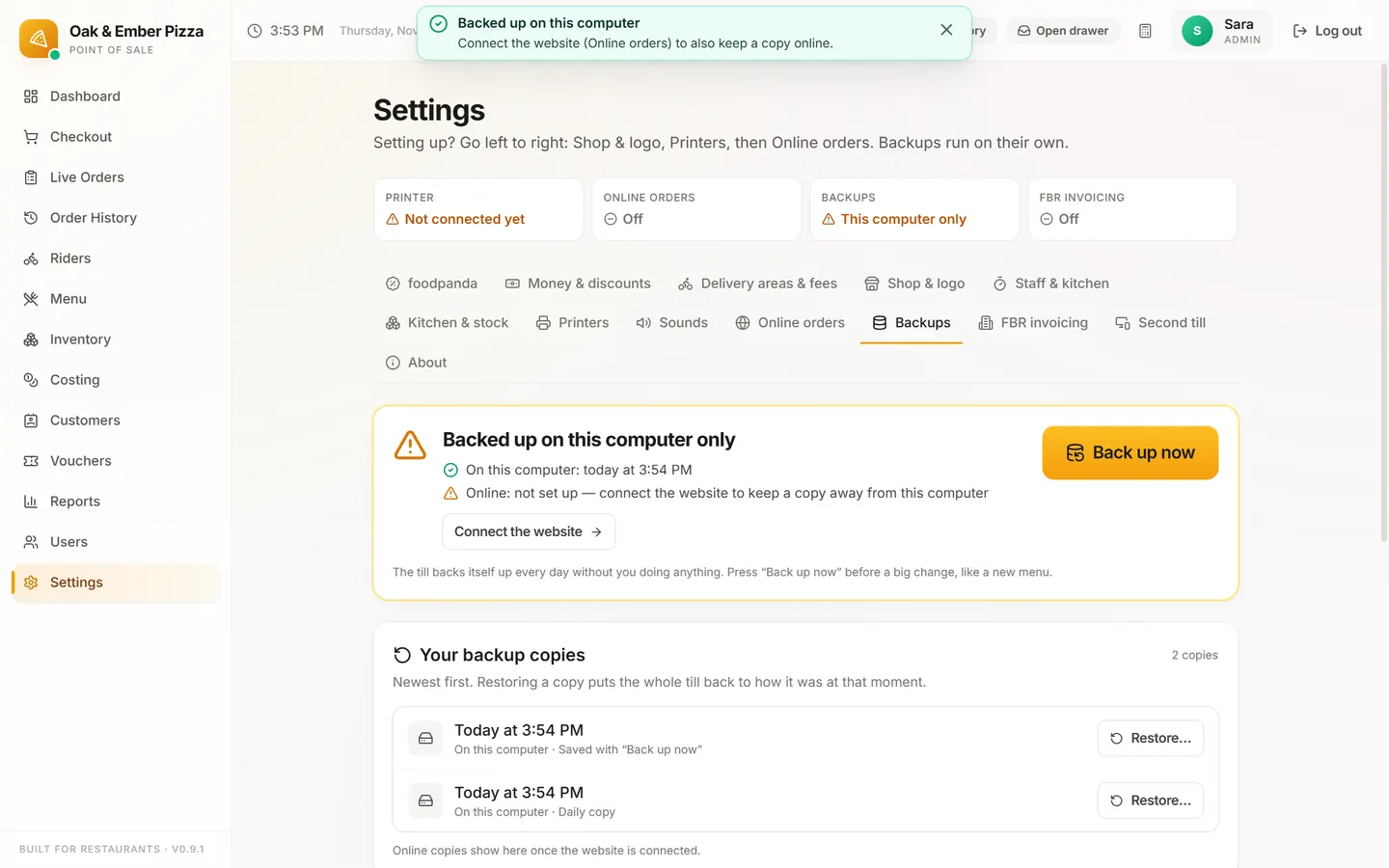
Restore
In Settings → Backups → Your backup copies, choose a copy and Restore…: it needs the Admin login. On a new or repaired PC, use the link on the first setup screen: Restore from a backup instead, then From a USB stick or file or From the cloud.
Updates
The till checks for a new version when it starts and every 4 hours, and downloads it by itself. A banner says Update ready: press Restart now, or leave it and the update installs the next time the till is closed. Your data, settings and licence stay as they are.
Stuck on a step?
Message us on WhatsApp with a photo of the screen. We can also join a video call and fix it with you.