Offline POS software for Windows restaurants
Offline POS software runs on the computer at your counter instead of in the cloud, so billing, printing and the cash drawer keep working when the internet drops. Pixel & Oak POS is restaurant POS software for Windows 10 and 11 that does everything at the counter offline — orders, kitchen tickets, receipts, shift close and reports — and catches up on website orders, backups and updates when the connection comes back.
- Windows 10 and 11
- Billing without internet
- Data on your PC
- Backed up three ways
- ESC/POS printers
Prefer email? [email protected] · we reply within 24 hours.
Where it runs today
Pixel & Oak POS runs every day at a restaurant in Karachi, and the till, the receipts and the ordering website show prices in Pakistani rupees. Your own currency, prices with tax included, your time zone and your phone format are next on the roadmap. Outside Pakistan you can see a full demo now and join early access: we set up the first restaurants in each country ourselves, at the launch price.
What works offline, and what waits for the internet
Everything the counter does runs on the PC. Only the jobs that talk to the outside world wait for a connection.
| Job | With the internet off | When it is back |
|---|---|---|
| Taking and changing orders | Works as normal | — |
| Kitchen tickets and receipts | Print as normal | — |
| Card and cash payments, the cash drawer | Work as normal | — |
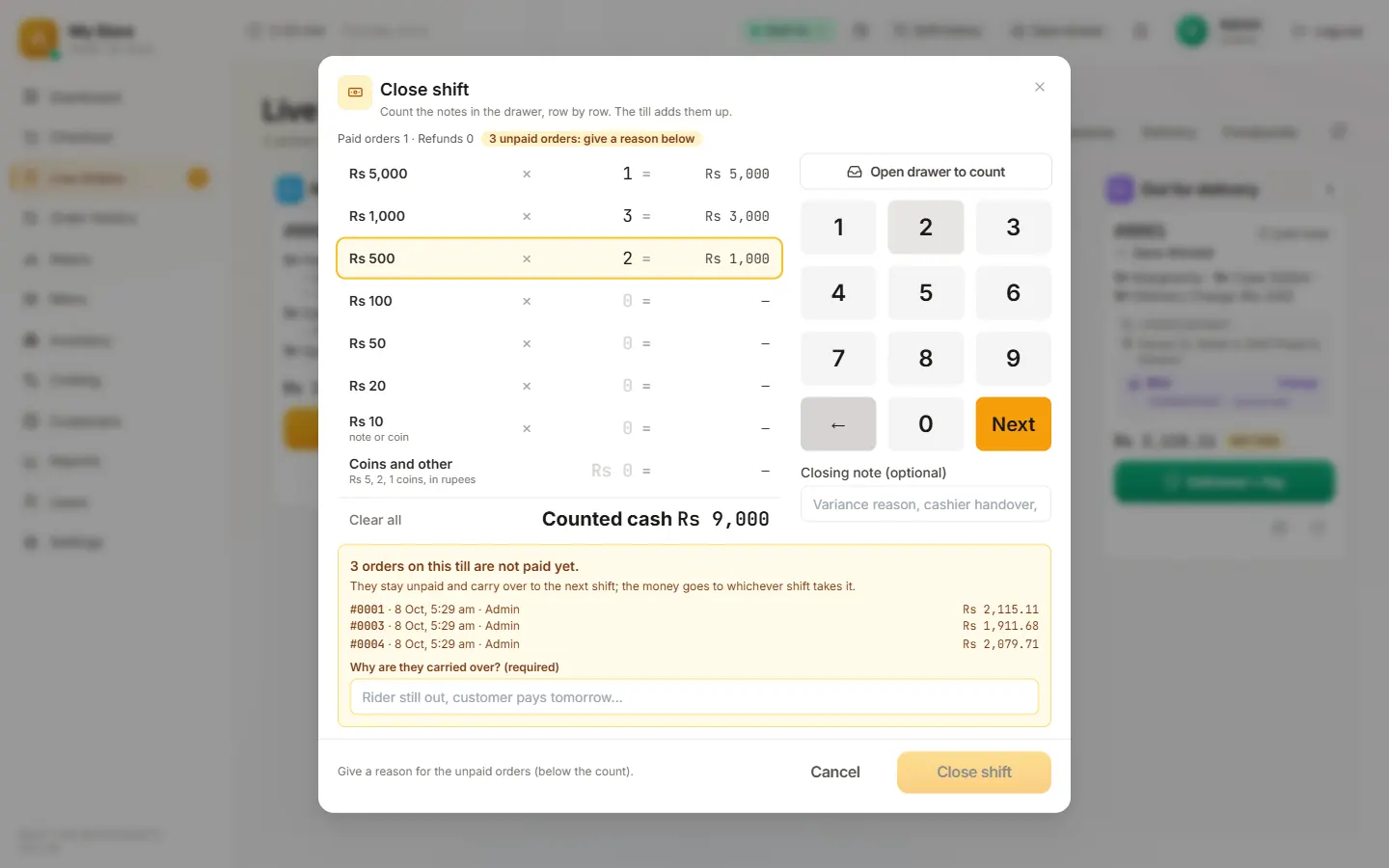
| Shift close and reports | Work as normal | — |
| Website orders | Wait until the till is back online | Arrive at the till and print by themselves |
| Backups | The daily backup on the PC still runs | The cloud copy catches up |
| Updates | — | Install by themselves |
Why restaurants choose an offline POS
The internet drops at the worst time
A till that needs the cloud slows the queue when the connection goes on a busy night. Offline, the counter does not notice.
Power cuts and load-shedding
On a small UPS, the PC, printer and drawer keep billing through a power cut.
Your data on your PC
Orders, customers and reports live on the counter PC, not only on someone else’s server.
Backed up three ways
A daily backup on the PC, a copy in the cloud (from the Pro plan), and an optional second copy in a USB or Google Drive folder you choose.
What you need to run it
-
Windows 10 or 11
64-bit, on a desktop, a laptop or an all-in-one touch terminal.
-
A receipt printer
Any 80 mm or 58 mm ESC/POS thermal printer over USB or Wi-Fi / LAN, and a second one for the kitchen if you like.
-
A cash drawer
One that plugs into the printer’s drawer port. Pin and pulse are set in Settings, so most drawers just work.
-
A card machine
Your own, from your bank or payment provider. The till records card payments.
-
Internet
Optional: only for website orders, cloud backup and updates.
Restaurant billing software that does not stop
Billing is the one job a restaurant cannot pause. Pixel & Oak POS keeps it on the counter PC: search the menu as you type, sizes and add-ons, takeaway or delivery in one tap, card, cash or both on one bill, and a receipt that prints whether or not the internet is up.
Updates install themselves when the connection is back, and each one has passed more than 5,000 automated tests first. See the full feature list or how it runs delivery.
Screens that work without internet
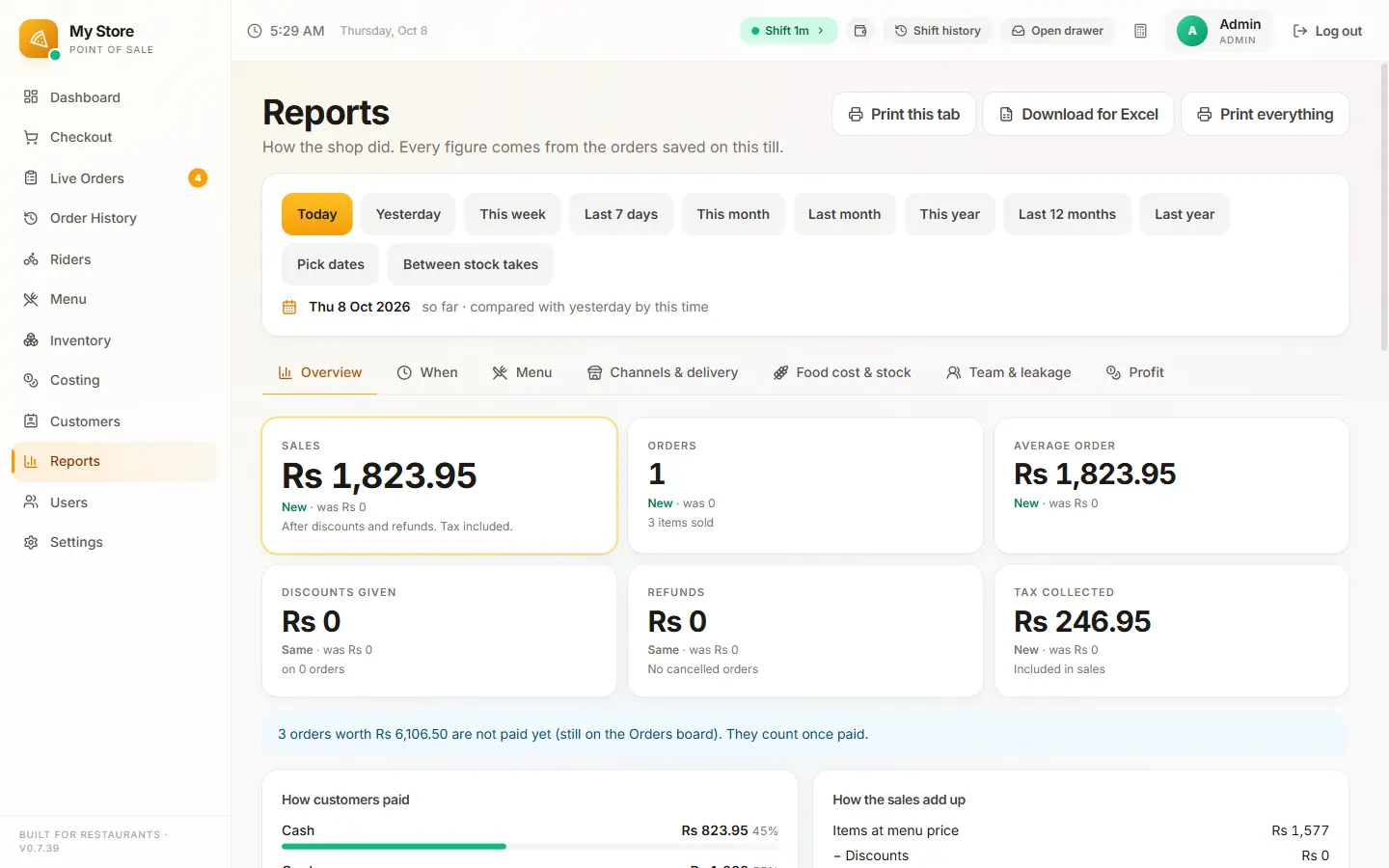
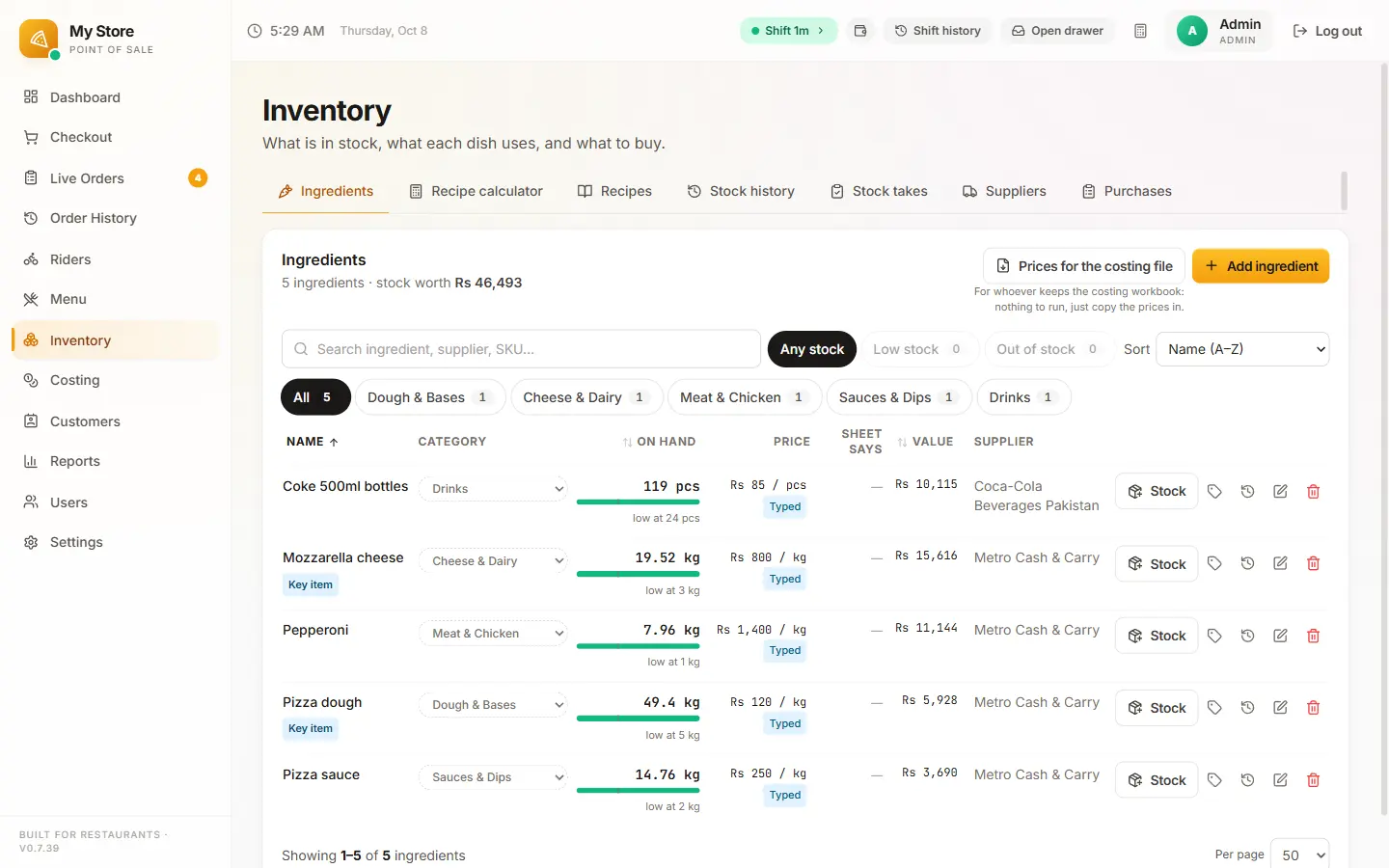
From the restaurant it runs at, with a demo menu (prices there are in rupees).
What it costs
One flat monthly price per restaurant, with no commission and no setup fee during launch. Prices in US dollars; in Pakistan the same plans are priced in rupees.
Starter · $15/month
One till: billing, kitchen tickets, receipts, deals, shifts, reports and daily backups.
Pro · $29/month
Two tills, your own 0%-commission ordering website, inventory, riders and set-up done for you.
Business · $69/month
Everything in Pro, plus your Google profile, Meta ads, WhatsApp replies and monthly promo content.
Compare the plans in full · Prices in Pakistan: from Rs 2,499
Questions people ask
Can a POS system work without internet?
Yes, if it runs on the computer at the counter rather than in a browser. Pixel & Oak POS takes orders, prints kitchen tickets and receipts, opens the drawer, closes shifts and runs reports with no connection at all.
What happens to website orders when the internet is down?
They reach the till as soon as it is back online and print in the kitchen like any other order. Everything at the counter keeps working in the meantime.
Which versions of Windows does it run on?
Windows 10 and Windows 11, 64-bit, on a desktop, a laptop or an all-in-one touch terminal. Windows 7 and 8 are not supported.
Where is my data stored?
On the counter PC, with a daily backup there, a copy in the cloud from the Pro plan, and an optional second copy in a folder you choose, such as a USB stick, OneDrive or Google Drive.
Which receipt printers work?
Any 80 mm or 58 mm ESC/POS thermal printer, over USB or Wi-Fi / LAN. A cash drawer plugged into the printer’s drawer port opens from the till.
Is it free?
Every till starts with a 30-day free trial on your own PC with everything switched on. After that, plans start at $15 a month (Rs 2,499 in Pakistan), with no commission.
Can I use it outside Pakistan today?
You can see a full demo and join early access. The till runs every day at a restaurant in Karachi and shows prices in Pakistani rupees; your own currency, prices with tax included, your time zone and local phone formats are next on the roadmap, and we set up the first restaurants in each country ourselves at the launch price.
Keep reading
Pixel & Oak POS: the full product page
Every feature, the three plans, the comparison and the roadmap.
Open →Takeaway EPOS system (UK)
A till for UK takeaways: collection and delivery, phone orders, kitchen tickets, driver cash-up and a commission-free ordering site.
Read the guide →Pizza POS system
Sizes, crusts and toppings in two taps, deals and Buy 1 Get 1, oven tickets, drivers, and food cost per pizza.
Read the guide →Delivery POS system
Delivery areas and charges, a live order board, your own or outside drivers, and the cash each one owes settled when they get back.
Read the guide →Pixel & Oak POS in Pakistan
The same plans priced in rupees, from Rs 2,499 a month, with a free demo at your counter in Karachi.
Open →Pull the cable and keep billing
A free 15-minute demo on a video call, with the internet switched off if you like. Every till starts with a 30-day free trial.